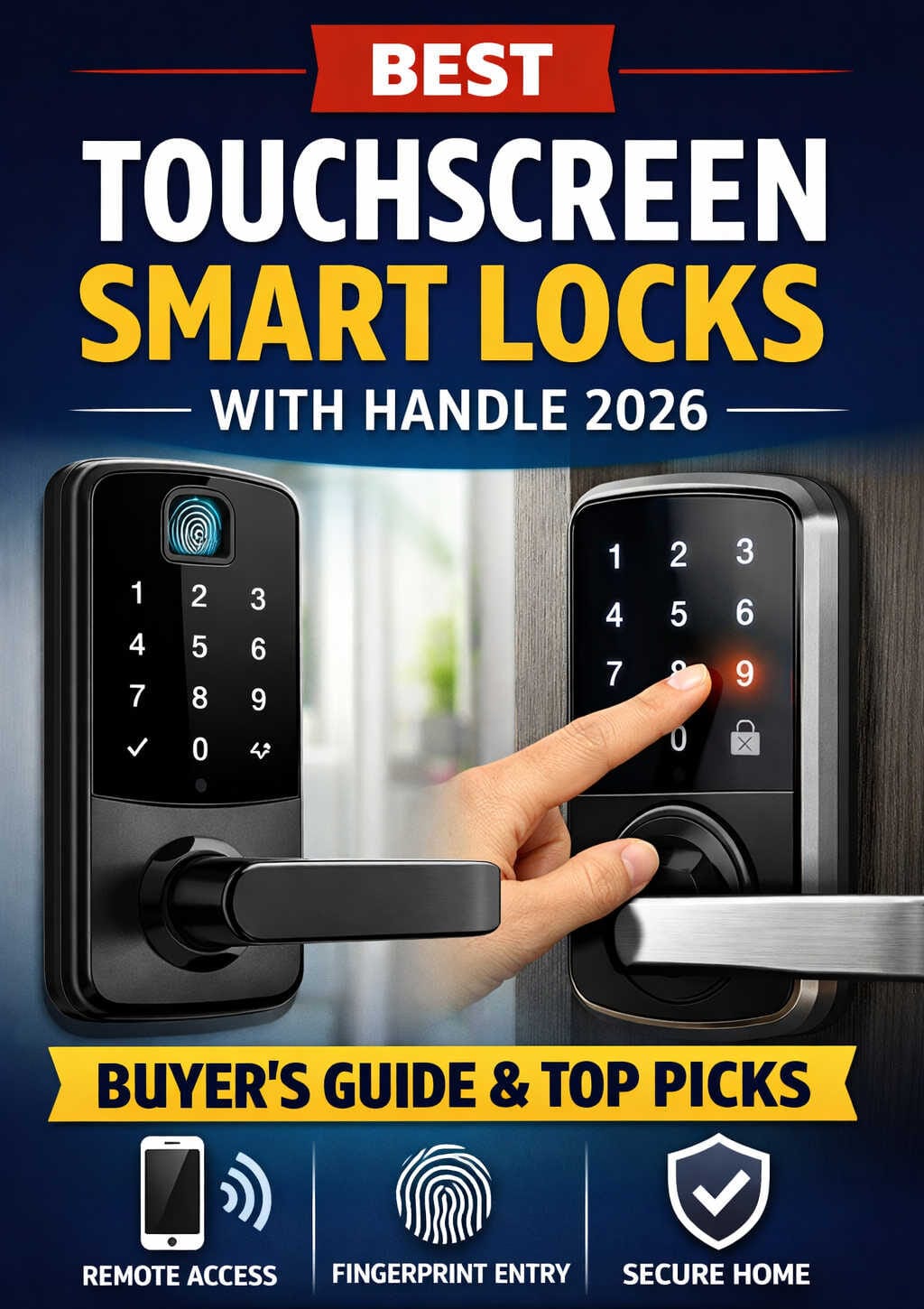
Home security is no longer defined solely by strong metal hardware and physical keys. In recent years, residential access control has shifted toward digital solutions that combine mechanical durability with intelligent connectivity. One of the most practical outcomes of this transition is the touchscreen smart lock with an integrated handle — a device that merges access management, automation, and aesthetics into a single installation.
As homeowners, landlords, and property managers search for safer and more convenient entry systems, these locks have gained enormous popularity. They remove the friction of carrying keys, allow temporary access permissions, and provide visibility into entry activity. Yet choosing the right one requires more than simply picking the most feature-packed model available.
This guide explores everything readers need to know — how touchscreen smart handle locks function, what features matter, which products are worth considering, installation tips, security considerations, and future trends shaping the market. The goal is to provide practical knowledge rather than marketing hype, enabling confident purchase decisions.
Understanding Touchscreen Smart Locks With Handles
A touchscreen smart lock with handle is a unified entry system replacing traditional door hardware. Instead of separate components — such as a deadbolt and handle — the device integrates them into a single unit controlled electronically.
The typical system consists of:
- A touchscreen keypad interface for entering passcodes
- A motorized locking mechanism powered by batteries
- A handle or lever for physical door operation
- Wireless communication modules for mobile connectivity
Unlike basic electronic locks, touchscreen models eliminate physical buttons. The illuminated panel activates when touched, offering a sleek appearance and improved durability due to fewer moving parts.
These locks often support multiple unlocking methods:
- Numeric PIN entry
- Fingerprint authentication
- Smartphone app control
- RFID cards or tags
- Voice assistant commands
- Emergency mechanical key override
Multi-authentication functionality provides redundancy, ensuring users are not locked out if one method fails.
Why Smart Handle Locks Are Becoming Standard
Eliminating Key Dependence
Traditional keys introduce risks: loss, duplication, and inconvenience. Smart locks remove these issues by enabling digital credentials and remote management.
Flexible Access Permissions
Temporary or recurring codes can be assigned to visitors, cleaning staff, or tenants. This flexibility is especially valuable for short-term rental hosts and shared households.
Monitoring and Alerts
Many models track entry attempts, allowing homeowners to review logs or receive notifications. This increases situational awareness and strengthens accountability.
Modern Aesthetic Integration
Contemporary hardware finishes and flush touchscreen panels enhance curb appeal. These devices often align with modern architectural design preferences.
Integration With Connected Homes
Smart locks increasingly interact with lighting, cameras, and sensors. For example:
- Doors automatically locking when occupants leave
- Entry triggering indoor lighting
- Security cameras recording upon unlock events
This ecosystem integration transforms locks from isolated hardware into intelligent security nodes.
Key Features That Actually Matter
When researching options, buyers often encounter long feature lists. The following considerations are genuinely important in practical use.
Connectivity Method
Wi-Fi connectivity enables remote access but may consume more battery power. Bluetooth solutions reduce power usage yet require proximity. Hybrid models balance both approaches.
Authentication Options
Locks offering multiple authentication channels provide flexibility. Fingerprint and code combinations are typically sufficient for most households.
Battery Management
Reliable battery life and low-power warnings prevent unexpected lockouts. Emergency charging ports are an added safeguard.
Material Construction
High-traffic entry points require durable materials such as reinforced alloy housings. Build quality directly impacts long-term reliability.
Weather Resistance
Outdoor installations demand resistance to rain, dust, and temperature variations.
Ease of Installation
Many modern locks are designed for straightforward retrofit installation, though complex mortise configurations may require professional assistance.
Recommended Smart Lock Options Worth Exploring
The following products represent commonly available examples across different feature levels and budgets. They illustrate what buyers can expect from today’s touchscreen smart handle lock market.
TEEHO Keyless Entry Door Lock
A practical entry-level choice emphasizing simplicity. It focuses on keypad access and straightforward installation, making it suitable for homeowners wanting basic keyless functionality without complex setup.
Sifely Smart Lever Lock
This model emphasizes mobile app control and remote management. It is well suited for property managers or users who frequently grant temporary access to others.
Yamiry Fingerprint Smart Lock
A biometric-focused solution combining fingerprint scanning with passcodes. It appeals to users prioritizing quick, personalized unlocking.
Hornbill Smart Front Door Lock
A connectivity-oriented option offering expanded integration capabilities and activity tracking features suited for smart home environments.
Veise Fingerprint Door Lock
A balanced option delivering biometric access and keypad entry at an accessible price point, making it attractive for general household use.
Selecting among these depends on personal priorities — simplicity, biometric convenience, or connectivity depth.
Installation Guidance for Optimal Performance
Correct installation is essential for smart lock reliability. Poor alignment or incorrect measurements can strain internal motors and reduce lifespan.
Recommended preparation steps:
- Measure door thickness and backset accurately
- Verify compatibility with latch type
- Confirm stable wireless signal near entry
- Align strike plates carefully
- Test locking cycles before finalizing installation
Periodic maintenance — including battery replacement and firmware updates — helps ensure long-term stability.
Everyday Usage Tips for Better Experience
- Set unique codes for each household member
- Avoid easily guessed combinations
- Clean touchscreen surfaces regularly
- Monitor battery notifications
- Review access logs periodically
These simple habits improve both convenience and security outcomes.
Common Concerns Addressed
Are Smart Locks Safe?
When installed correctly and used responsibly, they provide strong protection. Digital risks exist, but firmware updates and secure passwords significantly reduce exposure.
What Happens During Power Loss?
Battery-powered locks continue operating independently of household electricity. Mechanical key overrides remain available for emergencies.
Are They Worth the Cost?
For many users, convenience and control justify the investment. Value increases in multi-user environments or rental scenarios.
Use Cases Where They Excel
- Primary home entrances
- Rental or Airbnb properties
- Small offices
- Smart-home integrated residences
- Accessibility-focused households
These environments benefit most from flexible access management.
Emerging Innovations Shaping the Category
Improved Biometric Recognition
Sensors are becoming faster and more accurate, reducing authentication delays.
Standardized Ecosystem Integration
Interoperability protocols are improving cross-brand device communication.
Enhanced Energy Efficiency
Optimized electronics extend battery life.
AI-Driven Automation
Future locks may learn user routines and adjust behavior accordingly.
Buyer Checklist
Readers researching smart locks should compare:
- Connectivity capabilities
- Authentication diversity
- Hardware durability
- Installation complexity
- Battery expectations
- App ecosystem support
This checklist aligns purchasing decisions with real functional requirements.
Final Thoughts
Touchscreen smart locks with integrated handles have transitioned from novelty to practical household upgrades. They deliver convenience, visibility, and adaptable access control unmatched by traditional mechanical solutions. While selecting the right model requires thoughtful evaluation of features and compatibility, the payoff often includes improved daily usability and strengthened entry management.
The ideal choice depends on lifestyle — a simple keypad system may suit one household, while another benefits from biometric access or remote connectivity. By focusing on real needs rather than feature overload, readers can invest confidently in technology that enhances both security and convenience.