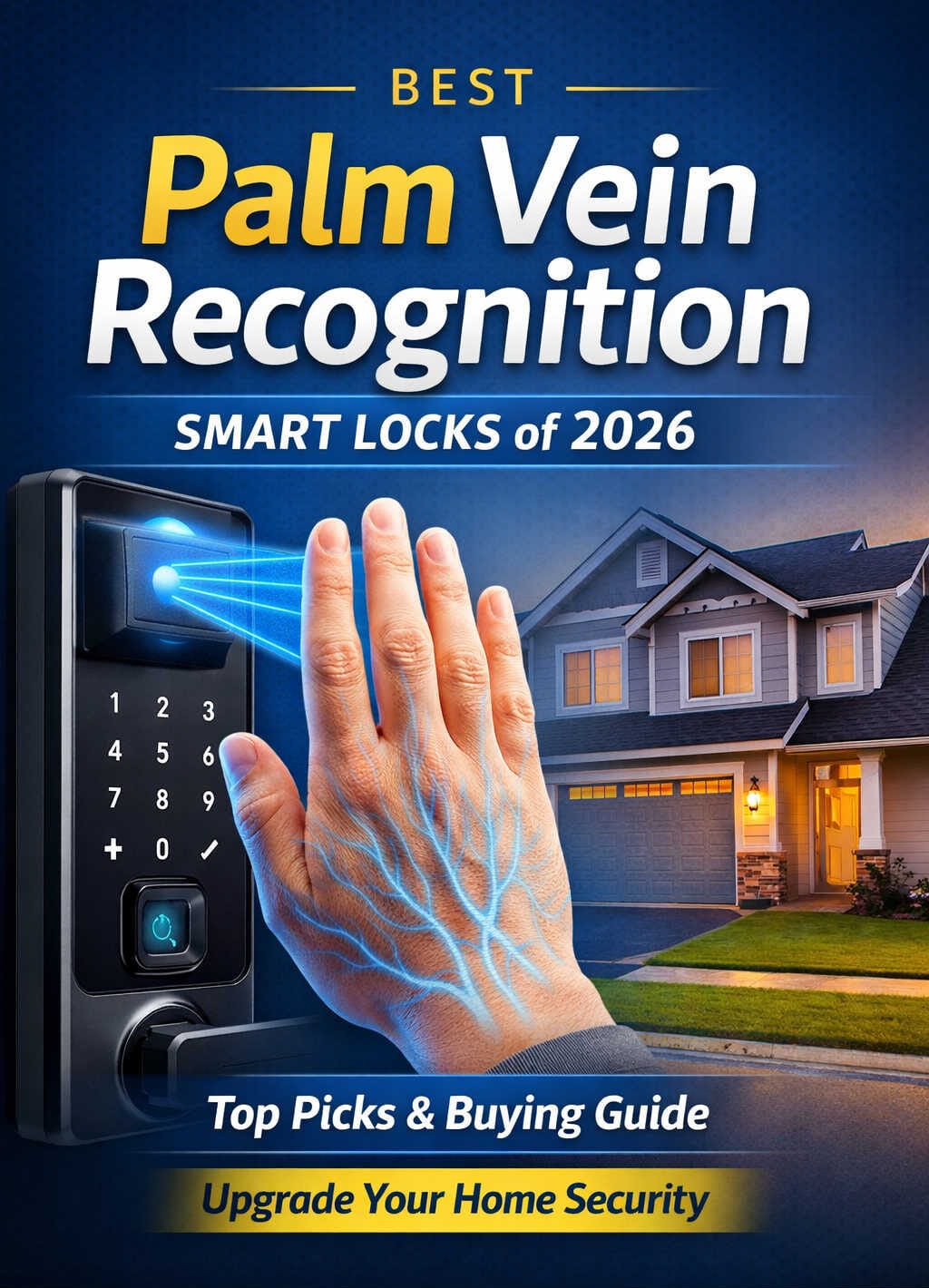
Home security has always been a bit of a balancing act. You want something strong enough to keep unwanted visitors out, yet simple enough that you’re not fumbling with keys at the door every single day. For years, fingerprint scanners seemed like the answer — but anyone who has stood in the rain, their damp fingertips failing the sensor for the third time in a row, knows that fingerprints have real limitations.
Palm vein recognition changes the equation entirely. Rather than reading the surface of your skin, it looks beneath it, mapping the network of veins running through your hand. That invisible map is unique to you, stays consistent throughout your lifetime, and cannot be replicated by someone who happens to find your fingerprints on a coffee cup. In 2026, this technology has moved from specialized commercial use into everyday residential smart locks — and several of the best models now speak Apple’s language through HomeKit or Matter.
This guide covers the top HomeKit-compatible smart locks with palm vein recognition currently available or shipping this year, along with everything you need to know to choose the right one for your home.
Understanding Palm Vein Recognition and Why It Matters for Home Security
Before diving into specific products, it helps to understand what separates palm vein technology from the fingerprint and face recognition systems most people are more familiar with.
The technology relies on near-infrared light. When the scanner illuminates your palm, the hemoglobin in your blood absorbs that light in a distinct, personal pattern. The sensor captures this as a detailed vascular map — essentially a picture of the veins under your skin. That map is converted into an encrypted digital template stored locally on the lock itself.
What makes this meaningful in practice is how the technology performs under conditions that defeat other biometric systems. Fingerprint scanners struggle with wet, dirty, aged, or scarred skin. Facial recognition can be fooled by photographs or by close family members with similar features. Palm vein recognition sidesteps both problems. Because it reads an internal, three-dimensional biological structure, surface skin conditions have no bearing on accuracy. Nobody can spoof your vein pattern from a photograph or a discarded item.
For families with older relatives, young children, or anyone who regularly works with their hands, the reliability of this approach is genuinely valuable. The scanner performs equally well whether your hands are fresh from the sink, dusty from a home project, or simply cold from being outside. You hold your palm near the reader, and the door opens.
Privacy matters here too, and it’s worth raising before the product reviews. Every lock in this article stores biometric data locally on the device — none of them transmit vein templates to external servers. A data breach at a software company cannot expose what was never uploaded in the first place.
How HomeKit Compatibility Works in 2026
For Apple users, “HomeKit compatible” can mean two slightly different things, and knowing the distinction prevents surprises after installation.
The first path is native HomeKit support, where the lock communicates directly with Apple’s Home framework over Wi-Fi or Bluetooth. This provides tight integration: the lock appears in the Home app, responds to Siri, and can be operated from an Apple Watch — all without extra hardware beyond a HomePod or Apple TV hub.
The second, increasingly prevalent path is Matter. Matter is an open connectivity standard backed by Apple, Google, Amazon, and Samsung, built so that one device works across all major smart home platforms at once. A Matter-certified lock connects to Apple Home through a Thread border router — any recent HomePod mini, HomePod, or Apple TV 4K fulfills this role. Once connected, the lock behaves in the Home app exactly like a native HomeKit device while remaining simultaneously accessible through Alexa or Google Home.
For buyers investing in a lock in 2026, Matter is generally the smarter long-term choice. It removes ecosystem lock-in and leaves your options open as your smart home evolves. The day-to-day Apple Home experience between the two approaches is essentially identical.
One detail worth knowing upfront: integrated cameras on smart locks typically cannot stream video through a Matter connection due to how the current protocol handles media. Live camera feeds require the manufacturer’s own app or a direct hub connection. This applies equally to every lock in this guide — it’s a protocol-level limitation, not a product flaw.
The Best HomeKit-Compatible Smart Locks With Palm Vein Recognition in 2026
1. eufy FamiLock S3 Max — Best Overall
HomeKit: Matter via HomeBase 3 | Security: ANSI/BHMA Grade 1
The eufy FamiLock S3 Max is as close to a complete front-door security system as a single device gets. It combines a smart deadbolt, palm vein scanner, 2K HDR video camera, and two-way video doorbell into one cohesive unit — and it does all of this while maintaining the highest residential security certification available.
The palm vein sensor uses infrared imaging to identify the unique vascular structure beneath your skin. Recognition completes in under 0.1 seconds, which is fast enough that unlocking feels instantaneous. The system stores up to 50 individual palm profiles on the device itself, accommodating large households and situations where regular guests, caregivers, or domestic helpers need registered access. All biometric data is processed and held locally — no cloud account required for the biometric features to work.
The 2K HDR camera delivers 150-degree horizontal and 150-degree vertical coverage, which is wide enough to capture a full-height standing person along with any packages near the door. The built-in doorbell handles two-way audio and video communication through the eufy app. On the interior, a 4-inch 1080p screen lets anyone inside see who’s at the door without reaching for a phone — a practical feature for households with children managing the door while parents are elsewhere in the house.
Power management is well considered. The 15,000mAh primary battery provides roughly six months of typical use. If it runs low, a secondary set of four AAA batteries activates automatically, providing an additional month of essential operation. A physical key slot is the final failsafe. There’s also a USB-C emergency port for temporary power from a portable charger.
Apple Home integration works via Matter through eufy’s HomeBase 3 hub. Once active, the lock appears in the Home app, participates in automations, and responds to Siri commands. The same Matter connection covers Alexa, Google Home, and SmartThings simultaneously. Live camera streaming, as noted, requires the eufy app or HomeBase 3 rather than the Matter path.
The ANSI/BHMA Grade 1 certification is the highest standard in residential door hardware — the same level required for commercial applications. Combined with everything else the S3 Max does, it makes a compelling case at its price point.
Best for: Buyers who want top-tier palm vein biometrics, an integrated camera and doorbell, Grade 1 hardware security, and seamless Apple Home support under one roof.
2. TCL D2 Pro Palm Vein Smart Lock — Best for Privacy-First Buyers
HomeKit: Matter over Thread | Security: BHMA Grade 3
The TCL D2 Pro is a refreshingly focused product in a category that increasingly tries to do everything. It is a deadbolt — a very good one, with capable palm vein recognition built in — and it doesn’t try to be a camera system or a video doorbell on top of that. For buyers who already have a separate doorbell camera and just want an excellent biometric lock that integrates cleanly with Apple Home, that focused approach is a virtue.
The palm vein system uses infrared scanning beneath the skin surface, and what distinguishes it from simpler biometric implementations is the on-device learning component. The lock’s recognition engine refines its model over time through regular use, meaning accuracy improves gradually rather than remaining static at factory settings. Day-to-day unlock reliability gets better the longer you own the device.
Thread connectivity is the D2 Pro’s most technically significant specification. Thread is a low-power mesh protocol that operates independently of your home Wi-Fi network, providing more reliable and faster-responding smart home communication than Bluetooth or standard Wi-Fi alternatives. When you unlock via the Home app or a Siri command, the response is notably more immediate than on Wi-Fi-dependent locks. For automation triggers — such as switching on entry hallway lights the moment the lock disengages — that reduced latency is perceptible in daily use.
Biometric processing runs entirely on the device. No cloud dependency exists for any biometric matching functions. For people who think carefully about where their sensitive data lives, this is a meaningful commitment.
BHMA Grade 3 is the appropriate residential certification for most standard front doors. It’s a step below Grade 1, but for typical home use in most neighborhoods it provides entirely adequate physical resistance. Buyers in higher-risk environments or on doors that receive heavy use should consider whether Grade 1 is worth seeking out.
Best for: Privacy-focused users who want on-device biometric processing, excellent Thread-based responsiveness in Apple Home, and a clean lock profile without camera hardware.
3. Lockin Veno Go — Best Value With Integrated Camera
Price: ~$150–$180 | HomeKit: Matter | Security: BHMA Grade 3, IP53
The Lockin Veno Go makes the case that you don’t have to spend close to $400 to get a capable palm vein lock with an integrated camera and real Apple Home support. It delivers all three at a price that sits comfortably between the budget tier and the premium segment.
Lockin’s Venokey palm vein system handles recognition in 0.17 seconds with 99.9% stated accuracy. The infrared scanner maps subdermal vein patterns and stores the resulting templates entirely on-device — no external server, no subscription required for biometric functionality. The false acceptance rate is cited below 0.00001%, which puts it well within the range of high-end security implementations.
The camera geometry on the Veno Go is distinctive. Instead of the conventional 150-degree wide-angle most camera locks use, Lockin employs a 180°×180°×180° panoramic configuration. The three-dimensional coverage reduces blind spots near the door frame and at ground level by a significant margin — practically useful for detecting packages placed right against the door or people standing immediately adjacent to the frame. Video is stored in 8GB of built-in local storage with no recurring fees.
Access flexibility is solid: palm vein, fingerprint, PIN, physical key, app control, and voice commands through Apple Home, Alexa, and Google all function as independent access methods. This matters in households where different family members have different comfort levels with biometric enrollment, and in situations where you want to grant access to someone without setting up a full biometric profile.
IP53 weatherproofing handles normal rain and moisture exposure reliably. Buyers in genuinely harsh climates — heavy snowfall, persistent high humidity, or doors in exposed positions — may find the IP65 rating on the standard Veno more appropriate.
Best for: Buyers who want integrated camera coverage alongside palm vein recognition and Apple Home support, without reaching into premium price territory.
4. Lockin Veno (Standard) — Best No-Camera Option Under $200
HomeKit: Matter | Security: BHMA Grade 2, IP65
If a separate video doorbell already covers your front door, the Lockin Veno in its standard configuration may be the most sensible choice on this entire list. It removes the camera from the Veno Pro’s hardware design while keeping every other capability intact — and it costs $190 less than the Pro model for that privilege.
The palm vein recognition is identical to what Lockin uses across the entire Veno lineup. Venokey infrared scanning completes in 0.17 seconds with 99.9% accuracy, handles all manner of hand conditions without fuss, and stores biometric data locally with no cloud dependency. For households where one or more members have had persistent trouble with fingerprint scanners — worn ridges from age or manual work, skin conditions, or simply inconsistent success rates — the upgrade in recognition reliability tends to be immediately and obviously apparent.
Two specifications stand out as notable improvements over the Veno Plus: the BHMA Grade 2 certification is one tier above the Plus’s Grade 3, and the IP65 weatherproofing rating provides stronger protection against moisture and particulates. These differences make the standard Veno the more durable choice for doors that face harsher outdoor exposure, and they arrive at a lower purchase price. The battery also runs for up to seven months on a charge, which is longer than some more expensive alternatives.
Matter connectivity integrates cleanly with Apple Home alongside Alexa, Google Home, and SmartThings. The full range of backup access methods is present: fingerprint reader, PIN keypad, physical key, and app control. All biometric processing stays on the device.
The installation process requires some care, particularly with cable routing during assembly. The lock performs reliably once installed, but it’s not the simplest setup on the market. Consulting the included documentation and allowing adequate time pays dividends.
Best for: Users who already have a video doorbell installed and want a well-built, IP65-rated palm vein lock for Apple Home at a price well below the premium tier.
5. eufy FamiLock S3 — Best Mid-Range All-in-One
HomeKit: Matter via HomeBase 3 | Security: ANSI/BHMA Grade 1
The FamiLock S3 is the FamiLock S3 Max with one feature removed: the 4-inch rear interior display. Everything else — the palm vein recognition, the 2K HDR camera, the video doorbell, the Grade 1 security rating, and the Matter-based Apple Home integration — carries over exactly.
For most buyers, this is a perfectly rational tradeoff. The interior display on the S3 Max is a convenience that genuinely earns its place in households with children or elderly members who prefer an app-free way to check the front door. For everyone else, the smartphone app delivers the same functionality. Saving around $70 by going with the S3 over the S3 Max makes financial sense if the display isn’t something your household would use regularly.
The palm vein system stores up to 50 profiles, delivers sub-0.1-second recognition, and keeps all biometric data on-device. The 2K camera and doorbell perform identically to the Max variant. PIR and radar dual sensors filter out irrelevant motion triggers, reducing the notification noise that plagues less sophisticated camera systems. The primary battery provides around four months of use — shorter than the S3 Max’s six, reflecting a smaller battery — with AAA backup batteries covering recharge periods.
BHMA Grade 1 certification is the same as the more expensive sibling. On a front door where physical security matters most, this shared specification is the more important comparison point between the two models.
Best for: Buyers who want the eufy platform’s Grade 1 security, palm vein technology, and camera integration at a moderate saving, and won’t specifically use an interior door display.
What to Look For Before You Buy
Security grading is the most objective comparison point. BHMA Grade 1 is the highest residential certification and appropriate for any primary entry door. Grade 2 provides strong protection for most homes. Grade 3 is suitable for lower-risk residential applications. Marketing language about biometric sophistication shouldn’t distract from this foundational metric — the physical deadbolt still determines how well the lock resists forced entry.
Check your existing HomeKit setup. Matter-based locks require a Thread border router. Any HomePod mini, HomePod, or Apple TV 4K (3rd generation or newer) serves this purpose automatically. If you don’t currently have one of these devices, you’ll need to add one before the lock can communicate with Apple Home. The lock will still function as a standalone deadbolt, but HomeKit integration requires that hub.
Camera streams and HomeKit require separate consideration. If integrated video is part of why you’re choosing a particular lock, understand that live camera streaming currently requires either the manufacturer’s app or a dedicated hub connection — not the Matter path. Lock and unlock controls work perfectly through HomeKit; it’s specifically the video stream that needs a different route.
Count your household’s likely users before deciding. Palm vein locks store a fixed number of biometric profiles. Most models in this guide support 50 users, which covers extended families, regular domestic helpers, or property managers. Some models support fewer. If your access needs are complex, verify the user limit before purchasing.
Consider your climate. IP53 is adequate for typical weather exposure. IP65 handles direct water exposure and is the better choice for doors that face significant rain or harsh environmental conditions. Don’t assume all locks in a similar price range carry the same weatherproofing — check the IP rating specifically.
Dual power systems are worth prioritizing. A front door lock with a dead battery is a significant inconvenience. Every lock in this guide includes backup power in some form, but the specific implementation varies — secondary disposable batteries, USB-C emergency charging, or both. Understand what your chosen lock provides before installation.
Frequently Asked Questions
Does palm vein recognition work in complete darkness?
Yes. The scanner uses its own near-infrared light source to illuminate your palm, so ambient light levels have no effect on recognition accuracy. This is a practical advantage over facial recognition systems, which can struggle when lighting is poor.
How secure is locally stored biometric data?
All locks in this guide store vein templates on the device hardware using strong encryption standards. Because the data never leaves the device, it cannot be accessed through a remote breach of a software platform or cloud service. The security of the stored data depends on the physical security of the lock itself — which is addressed through BHMA certification and the deadbolt hardware.
Can a 3D-printed hand or prosthetic fool a palm vein scanner?
No. The system reads infrared absorption patterns generated by oxygenated blood flowing through living tissue. An artificial hand, a photograph, or a severed hand produces none of the hemoglobin activity that the scanner looks for. This is one of the more significant security advantages palm vein recognition holds over surface biometric methods.
What happens if the battery runs out entirely?
Backup power options differ by model. Most locks in this guide include either a secondary battery bank that activates automatically, a USB-C emergency port for a power bank connection, or a physical key slot — typically two or three of these in combination. You can consult the specific model’s documentation to understand exactly which failsafes are in place.
Is Matter really equivalent to native HomeKit for daily use?
In practice, yes. With a Thread border router in your home, a Matter-certified lock appears and behaves in the Home app identically to a native HomeKit device. Siri commands, Home app automations, and Apple Watch control all function the same way. The visible difference in daily use is essentially zero.
Does palm vein recognition work reliably for children and elderly users?
It tends to work better than fingerprint recognition for both groups. Children’s vein patterns register accurately at smaller hand sizes, and the scanners on these locks accommodate hands across a wide size range. For elderly users whose fingerprint ridges may have worn down over decades of work, or whose skin has changed enough to cause consistent fingerprint scanner failures, palm vein recognition offers meaningfully more reliable results. Several manufacturers specifically design their scanners to handle these cases.
How difficult is installation compared to a standard deadbolt?
Most of these locks install in the same door prep as a standard single-cylinder deadbolt — the same hole pattern, the same backset dimensions. The complexity comes from connecting the internal and external hardware components, which involves routing cables through the door. Most installations take fifteen to thirty minutes with a screwdriver, though some models (notably the Lockin Veno series) involve more cable connections than average and reward careful attention to the setup guide.
Can I use voice control to unlock the door through Siri?
Yes. Through HomeKit or Matter integration, you can issue voice commands to lock or unlock the door via Siri on iPhone, iPad, HomePod, Apple Watch, or Apple TV. For security, Siri may prompt for confirmation before unlocking. You can configure this behavior in the Apple Home settings.
Closing Thoughts
Palm vein recognition has earned its place as a serious residential security technology in 2026. The combination of high accuracy, physical inclusivity, spoof resistance, and local data storage makes it the most compelling biometric option currently available for home locks — particularly for families where fingerprint reliability has historically been a frustration.
The Apple Home integration story is cleaner than it’s ever been. Matter has removed the compatibility headaches that defined the smart home industry a few years ago, and every lock in this guide connects to Apple Home without requiring compromises on other platforms.
For most households, the eufy FamiLock S3 Max represents the strongest overall package. Grade 1 hardware, fast and accurate palm vein recognition, an integrated wide-angle camera, and solid Apple Home support combine into a genuinely capable front-door system. Buyers who don’t need the camera can save considerably with the Lockin Veno standard model without sacrificing on biometric quality. And for those who prioritize Thread responsiveness and zero cloud dependency above everything else, the TCL D2 Pro is worth the wait.
Your front door is the most used and most tested security point in your home. In 2026, it can also be the most intelligent one.
Last updated: April 2026. Product availability and pricing are subject to change. Always verify current details with the manufacturer or retailer before purchasing.