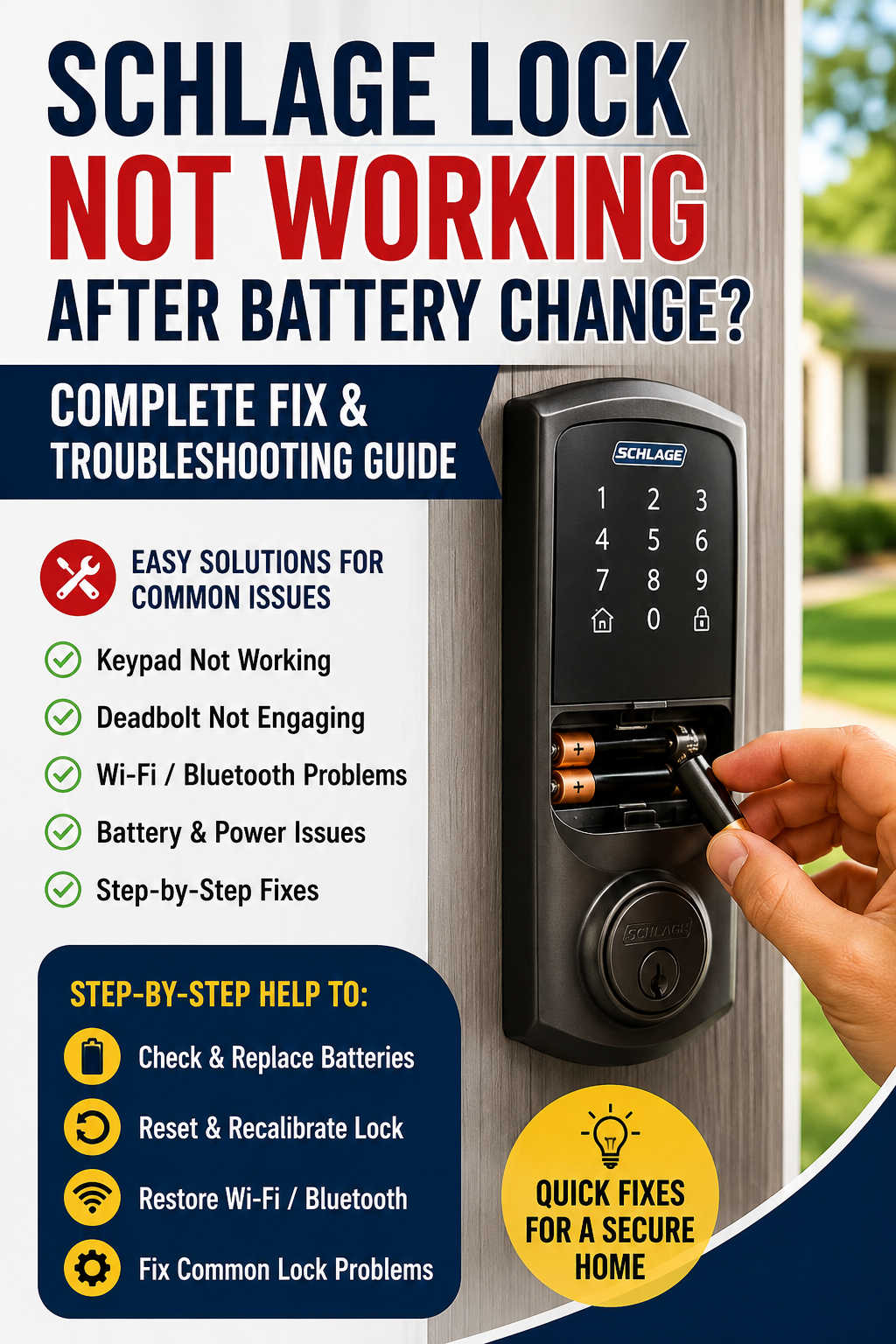
A Schlage smart lock is designed to simplify home access, improve security, and eliminate the hassle of traditional keys. But when the lock suddenly stops working right after a battery change, the experience feels anything but convenient. The keypad may go completely dead, the lock might stop responding to commands, or the app may no longer detect the device at all.
This issue is surprisingly common across different Schlage models, including Schlage Encode, Schlage Connect, and Schlage Sense. In most cases, the problem is not a hardware failure but a temporary disruption caused by battery replacement.
This guide explains in depth why a Schlage lock stops working after battery change, how to fix it step by step, and how to prevent it from happening again. The goal is to help you restore full functionality without unnecessary guesswork or expensive replacements.
Why a Schlage Lock Stops Working After Battery Replacement
When you remove and replace batteries in a smart lock, you are essentially forcing the device to reboot. Unlike simple electronics, a smart lock relies on synchronized communication between its motor, keypad, sensors, and (in some models) Wi-Fi or Bluetooth modules. If anything interrupts that reboot process, the lock may behave unpredictably.
One of the most common causes is something as simple as incorrect battery orientation or poor contact between the battery and terminals. Even a slight misalignment can prevent proper power delivery. Another frequent issue is the use of weak or incompatible batteries that cannot supply enough voltage during the lock’s motor cycle.
In other cases, the lock firmware may not restart cleanly. Smart locks are small embedded systems, and like any computer, they can freeze or fail to initialize correctly after a sudden power loss. Mechanical resistance in the deadbolt can also contribute, especially if the door is slightly misaligned or the bolt is under pressure.
Finally, connectivity issues may appear after battery replacement. Wi-Fi or Bluetooth pairing can reset, leaving the lock functional physically but disconnected from the app.
Recognizing the Symptoms of a Schlage Lock Failure
Before jumping into fixes, it helps to understand the symptoms your lock is showing. Each symptom points to a different underlying issue.
If your keypad is completely unresponsive with no lights or sound, the problem is almost always power-related. This could be incorrect battery placement, dead batteries, or poor contact inside the battery compartment.
If the keypad lights up normally but the deadbolt does not move, the issue is usually mechanical or calibration-related. The motor may be working, but something is preventing smooth movement of the bolt.
A flashing red light after battery replacement often signals that the lock attempted a cycle but failed. This may be caused by obstruction, weak batteries, or internal misalignment.
In smart-enabled models, another common symptom is app disconnection. The lock may still function manually but appear offline in the Schlage app or your smart home system.
Understanding these symptoms allows you to focus on the correct troubleshooting path instead of randomly trying fixes.
Step-by-Step Troubleshooting for Schlage Lock Not Working After Battery Change
The best approach is to work from the simplest solutions toward more advanced ones. Most issues can be resolved within the first few steps.
Start with Battery Placement and Power Verification
Begin by removing all batteries from the compartment. Do not simply inspect them visually; physically reinstall them one by one. Ensure each battery is aligned correctly according to the polarity markings inside the compartment.
It is important to press each battery firmly into place. Loose batteries are one of the most overlooked causes of failure. If you are unsure, replace all batteries with a fresh set instead of reusing the old ones.
This step alone resolves a large percentage of post-battery-change issues.
Use Reliable Alkaline Batteries Only
Battery quality plays a major role in Schlage lock performance. These locks require stable voltage, especially during motor operation when the deadbolt engages or retracts.
High-quality alkaline batteries such as Duracell, Energizer, or Panasonic are strongly recommended. Avoid rechargeable batteries, as they typically provide lower and less stable voltage output. Even if they seem fully charged, they often fail under load conditions required by smart locks.
Cheap or generic batteries may power the keypad temporarily but fail during actual locking cycles, leading to confusing partial operation.
Perform a Full Power Reset to Clear System Glitches
A power reset is one of the most effective ways to fix a Schlage lock after battery replacement.
Remove the battery pack and wait at least 30 to 60 seconds. While the batteries are out, press any keypad button to discharge residual power. Then reinstall fresh batteries and allow the lock to reboot completely.
This process clears temporary memory errors and forces the system to restart cleanly, which often resolves unresponsive behavior or stuck firmware states.
Inspect and Clean Battery Contacts
Over time, battery terminals can accumulate dust, oxidation, or minor corrosion. When you replace batteries, this buildup can interrupt power flow.
Carefully inspect the metal contacts inside the battery compartment. If you notice any discoloration or residue, gently clean the contacts using a dry cloth or a cotton swab lightly dampened with rubbing alcohol.
Avoid using sharp objects or abrasive tools, as these can damage the connectors and create permanent contact issues.
Check Deadbolt Movement and Door Alignment
If the lock powers on but struggles to lock or unlock, the issue is likely mechanical rather than electrical.
Open the door and manually operate the deadbolt. It should move smoothly without resistance. If it feels tight or stiff, the lock motor may be struggling against misalignment.
A common scenario is that the door shifts slightly over time due to weather or usage, causing the strike plate and bolt to fall out of alignment. When this happens, the lock works fine when the door is open but fails when it is closed.
Adjusting the strike plate or tightening door hinges often resolves this issue.
Allow or Force Recalibration of the Lock
After a power interruption, Schlage locks usually attempt automatic calibration. During this process, the lock learns the correct positions for locked and unlocked states.
If calibration fails, you may need to force it manually. While procedures vary slightly by model, the general approach involves holding the Schlage button while reinserting batteries. The lock should then cycle through locking and unlocking movements.
This step is critical because a failed calibration can make the lock appear “broken” even when it is functioning electrically.
Restore Wi-Fi or Bluetooth Connectivity
For smart models such as Schlage Encode or Schlage Sense, battery replacement often resets connectivity settings.
If your lock works manually but not through the app, the issue is likely network-related.
Restart your router and ensure the signal strength near the door is stable. Then reconnect the lock using the Schlage app. If Bluetooth is used, you may need to forget the device on your phone and pair it again from scratch.
Connectivity issues are common after power loss because smart locks temporarily lose stored network credentials during reboot.
Try a Fresh Set of Batteries Before Deeper Repairs
It may sound simple, but defective new batteries are more common than expected. Even sealed packages can contain weak or partially drained cells.
If the lock is still not functioning correctly after troubleshooting, try a completely different set from a reputable brand. This eliminates the possibility of a bad batch interfering with diagnostics.
Perform a Factory Reset Only If Necessary
A factory reset should be considered a last resort. It restores the lock to its original state and removes all stored settings.
After a reset, you will need to reconfigure everything, including user codes, Wi-Fi settings, and smart home integrations.
The reset process typically involves removing batteries, holding the Schlage button, and reinserting batteries while continuing to hold the button until confirmation signals appear.
While effective, this step should only be used if all other troubleshooting methods fail.
Model-Specific Behavior After Battery Replacement
Different Schlage models behave differently when batteries are replaced.
Schlage Encode models often experience Wi-Fi reconnection issues. The lock may appear offline even though it functions physically. Reconnecting through the app usually resolves this.
Schlage Connect models depend on Z-Wave communication, which can drop after power loss. These locks may require re-inclusion into a smart home hub.
Schlage Sense models rely on Bluetooth and can lose pairing with mobile devices, requiring re-pairing through the app.
Understanding your specific model helps narrow down troubleshooting efforts significantly.
Why Schlage Locks Drain Batteries Quickly After Replacement
Sometimes the issue is not immediate failure but unusually fast battery drain after replacement.
This often indicates underlying mechanical resistance. If the deadbolt is misaligned, the motor must work harder than normal, draining batteries faster.
Poor Wi-Fi signal strength can also cause frequent reconnection attempts, which increases power consumption in smart models.
In rare cases, firmware issues may cause inefficient power management. However, this is less common than physical or environmental causes.
Recommended Batteries for Schlage Smart Locks
Choosing the right batteries significantly improves performance and reliability.
Premium alkaline batteries such as Duracell Coppertop, Energizer MAX, and Panasonic Powerline are ideal choices. These brands provide consistent voltage output, which is essential for motor-driven devices.
Avoid rechargeable batteries unless specifically approved for your lock model. Even high-quality rechargeable AA batteries often fail under the high current demands of smart lock motors.
It is also best practice to replace all batteries at the same time rather than mixing old and new ones. Mixed batteries can create uneven power distribution, leading to unstable behavior.
How Long Schlage Lock Batteries Should Last
Battery life depends on usage, environmental conditions, and connectivity strength.
On average, Schlage Encode locks last around four to six months, while Schlage Connect models can last six to twelve months. Schlage Sense locks typically last up to a year under normal usage.
Heavy usage, weak Wi-Fi signals, and misaligned doors can significantly shorten battery life. If your batteries are draining unusually fast, it is often a sign of mechanical or connectivity stress rather than battery quality alone.
Preventing Future Battery-Related Issues
Preventive maintenance is often overlooked but highly effective. Replacing batteries before they are fully drained helps avoid sudden system interruptions.
Using consistent battery brands ensures stable performance, and cleaning battery terminals periodically prevents buildup that can interfere with contact points.
Keeping firmware updated through the Schlage app also helps improve stability and fix known bugs.
Finally, checking door alignment every few months ensures the motor is not under unnecessary strain.
When to Contact Schlage Support
If the lock remains completely unresponsive after all troubleshooting steps, professional support may be necessary.
You should contact support if the motor does not engage at all, if you hear unusual grinding noises, or if the lock repeatedly fails after correct battery installation.
These symptoms may indicate internal hardware failure rather than a battery or software issue.
When Replacement Becomes the Better Option
Although Schlage locks are durable, no device lasts forever. If your lock is more than several years old and frequently experiences issues after battery changes, replacement may be more cost-effective than repeated repairs.
Signs that replacement may be necessary include persistent connectivity failures, excessive battery drain despite troubleshooting, and inconsistent mechanical operation.
Frequently Asked Questions
Why did my Schlage lock stop working immediately after I changed the batteries?
This is usually caused by incorrect battery installation, weak batteries, or a failed system reboot. In most cases, removing and reinstalling fresh alkaline batteries resolves the issue.
Do I need to reprogram my Schlage lock after changing batteries?
No, normal battery replacement does not erase settings. However, if the lock loses power for an extended period or undergoes a factory reset, reprogramming will be required.
Why is my Schlage lock blinking red after installing new batteries?
A red blinking light usually indicates a failed lock cycle, mechanical resistance in the deadbolt, or insufficient power delivery from weak batteries.
Can rechargeable batteries cause Schlage lock problems?
Yes. Rechargeable batteries often provide lower voltage under load conditions, which can cause inconsistent performance or complete failure during locking cycles.
Why is my Schlage lock not responding to the app after battery change?
This typically happens when Wi-Fi or Bluetooth settings are reset during power loss. Reconnecting the lock through the Schlage app usually restores functionality.
How do I know if my Schlage lock is broken or just needs a reset?
If the keypad lights up and responds but the lock does not function properly, it is usually a calibration or alignment issue rather than hardware failure.
Final Thoughts
A Schlage lock not working after battery change is rarely a serious defect. In most situations, the issue comes down to battery quality, temporary system glitches, or minor mechanical misalignment.
By following a structured troubleshooting approach—starting with battery checks, performing a power reset, inspecting alignment, and reconnecting smart features—you can resolve the majority of problems without technical assistance.
With proper maintenance, high-quality batteries, and occasional calibration, Schlage smart locks remain one of the most reliable and secure home access systems available today.