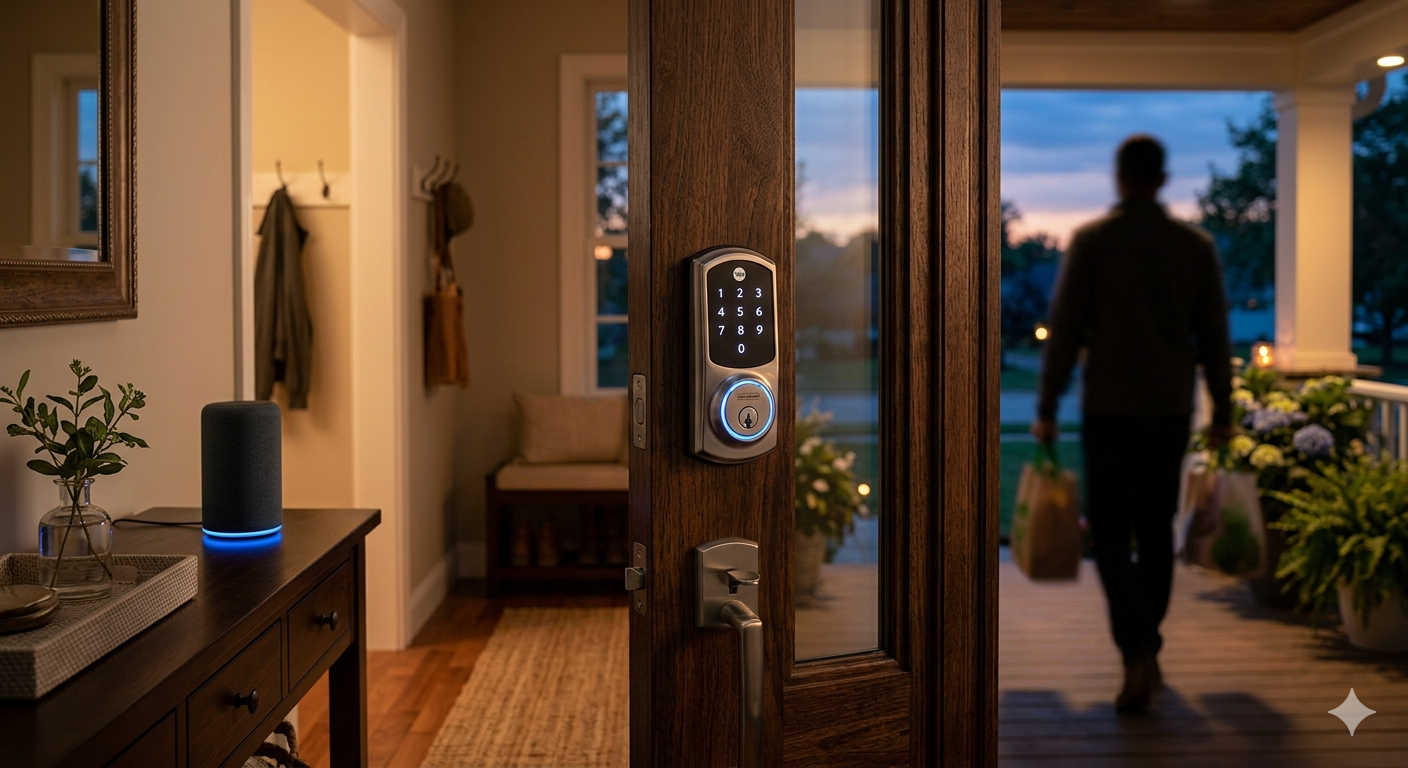
Walking up with arms full of shopping, fumbling for keys in the rain, or realizing you left the back door unlocked three miles from home used to be part of the homeowner experience. In 2026, that frustration is optional. The current wave of Alexa-compatible Wi-Fi keyless entry locks transforms your deadbolt from a dumb metal barrier into a responsive, intelligent part of your daily routine.
This guide breaks down which models genuinely deserve your attention, what separates a great experience from a mediocre one, and how a well-chosen lock changes the way you move through your home.
What makes a smart lock worth buying
Not every connected lock earns its keep. The ones that do share a few consistent traits, and understanding these helps you ignore the noise and focus on what matters.
Direct Wi-Fi versus hub dependency
A lock with built-in Wi-Fi talks directly to your home network. You can check its status, lock it remotely, or grant a code from your phone whether you are in bed or in another time zone. The trade-off is battery consumption. Locks that rely on Bluetooth or a Z-Wave/Zigbee bridge sip power slowly but need additional hardware to work with Alexa. For voice control without extra boxes plugged into your router, direct Wi-Fi remains the simplest path.
Multiple ways through the door
A keypad handles most of life. A fingerprint scanner makes things personal. A traditional keyway saves you when batteries die or technology throws a tantrum. The most practical locks combine at least three access methods because no single approach suits every moment. Early morning with gloves on, wet hands returning from the pool, a phone battery at one percent — each scenario favors a different entry style.
Build quality and physical security
Smart capabilities should sit on top of a genuinely strong lock. Look for ANSI/BHMA Grade 2 certification at minimum, which indicates the lock passed cycle testing, strength tests, and security evaluations suitable for residential use. Beyond the rating, auto-lock timers that secure the door after you forget, tamper alarms that sound during forced entry attempts, and encrypted wireless communication add meaningful layers without complicating daily life.
Mechanical key backup
Battery issues are not hypothetical. Cold snaps drain power faster. Extended vacations test component endurance. A hidden keyway keeps you from standing on the porch explaining to a locksmith what a smart lock is. Some sleek new designs eliminate the cylinder entirely, and for certain minimalist setups that works. For most households, the hidden key remains sensible insurance.
The best Alexa-compatible Wi-Fi keyless entry locks in 2026
Several models rose to the top during hands-on testing and long-term reliability tracking. Each addresses a different priority, from fingerprint speed to ecosystem flexibility to outright value.
Ultraloq Bolt Fingerprint — Best overall experience
The Ultraloq Bolt Fingerprint earns its spot at the top by refusing to compromise. It packs built-in Wi-Fi, a fast-responding fingerprint reader, a backlit touch keypad, and a physical keyway into a single zinc-alloy unit that feels reassuringly solid when you grab the handle. Compatibility spans Alexa, Google Home, Apple HomeKit, and Samsung SmartThings, which means it survives platform changes without becoming obsolete.
Fingerprint recognition is the highlight here. The sensor reads ridges rather than surface patterns, so damp or slightly dirty fingers rarely cause rejections. In practice, you press your thumb, hear the motor whir, and walk in. The app handles unlimited temporary codes for guests or service visits, and auto-lock timing ensures you never wonder whether you remembered to twist the deadbolt. Battery life holds up well for a Wi-Fi lock, typically lasting several months depending on traffic and weather.
TE011W Wi-Fi Keyless Entry Door Lock with Keypad — Best value with full features
The TE011W Wi-Fi Keyless Entry Door Lock with Keypad has become a favorite among homeowners who want complete smart functionality without the premium price tag. Built-in Wi-Fi connects directly to your network without a bridge. The backlit capacitive touch keypad wakes as you approach, and the responsive panel allows quick code entry even in low light.
Alexa integration works smoothly for locking or checking status via voice, and the companion app supports remote management from anywhere. You can generate temporary codes for dog walkers or delivery access, set recurring schedules for cleaning services, and review event logs that track who entered and when. A physical keyway provides the essential backup that smart-home purists sometimes overlook. The satin nickel and matte black finish options complement most door hardware without clashing. For the price, the TE011W delivers a feature set that matches locks costing significantly more, making it the pragmatic choice for anyone who wants reliability without overpaying.
Schlage Encode — Most dependable performer
Few smart locks have earned the trust that follows the Schlage Encode. Built-in Wi-Fi means no hub. The touchscreen uses fingerprint-resistant coating, so smudge patterns cannot give away commonly pressed digits. Alexa integration covers the expected lock commands plus low-battery notifications through your Echo devices. The lock performs consistently in heat and cold, handling temperature swings that make weaker motors strain.
Schlage packs in built-in alarm technology that detects forced entry attempts or door impacts, which adds a layer beyond what most connected locks offer. The system stores up to 100 access codes, comfortable for larger families with changing schedules or households that welcome frequent visitors. Installation follows the Snap ‘n Stay system, holding components in place on the door while you secure screws, reducing the curse words typically reserved for deadbolt alignment.
Kwikset Aura Reach — Best for forward-looking smart homes
Released earlier this year, the Kwikset Aura Reach includes Matter protocol support alongside its Bluetooth connection. Matter compatibility means the lock fluidly integrates with Alexa, Google Home, and Apple Home without hunting through compatibility lists or troubleshooting platform conflicts. The backlit keypad illuminates as your hand approaches, and optional geofencing triggers automatic unlocking based on phone location, delivering genuine hands-free entry.
With capacity for 250 unique codes, the Aura Reach scales beyond typical household use into small office or vacation rental territory. Kwikset SmartKey technology lets you rekey the physical cylinder in seconds without a locksmith, useful if an access code falls into the wrong hands or a relationship changes unexpectedly.
Philips Wi-Fi Smart Lock — Best budget option
The Philips Wi-Fi smart lock proves that affordability does not require sacrificing core features. The lock includes keypad access, fingerprint scanning, app control, and Alexa voice integration at a price well below premium competitors. It stores up to 100 personalized codes and supports an unlimited number of one-time codes for visitors or delivery personnel. Remote locking and unlocking works reliably from anywhere through the companion app, and customizable auto-lock timing adds peace of mind without constant checking.
The fingerprint reader performs well under normal conditions, though it can hesitate with very dry skin compared to the Ultraloq. That minor quibble aside, the Philips lock represents a genuine smart home upgrade that keeps spending reasonable.
How the top locks compare side by side
The ideal choice depends on what you value most. A quick feature alignment clarifies the decision.
- For multi-platform smart homes: The Ultraloq Bolt Fingerprint covers Alexa, Google, HomeKit, and SmartThings in one device. If you switch phone platforms or voice assistants over time, the lock adapts rather than becoming incompatible.
- For proven cold-weather reliability: The Schlage Encode has years of real-world track record across harsh winters without binding or battery drain spikes.
- For value without compromise: The TE011W delivers built-in Wi-Fi, Alexa voice control, remote access, and keypad convenience at a price that makes sense for budget-aware households.
- For Matter-ready future proofing: The Kwikset Aura Reach speaks Matter natively, aligning with where the smart home industry is heading rather than where it has been.
- For rental owners or large households: The Kwikset Aura Reach with 250 codes and easy physical rekeying handles turnover more gracefully than any competitor.
- For tight budgets that still want fingerprint access: The Philips Wi-Fi lock adds biometric entry without pushing costs toward premium territory.
Installation and ongoing maintenance
Most current generation smart locks replace standard deadbolts on doors between one and three-eighths to two inches thick, which covers nearly all residential entryways. DIY installation typically takes thirty to sixty minutes with a Phillips screwdriver. The process involves removing the old deadbolt, sliding in the new assembly, connecting the cable, and securing the mounting plate. Older homes sometimes present misaligned strike plates or door sag that requires minor adjustment before the bolt moves freely. If the deadbolt binds or grinds instead of sliding smoothly into the strike, correct the alignment before relying on the motor.
Battery planning matters more than initial setup. Wi-Fi locks draw more power than Bluetooth models. Expect battery changes every six to ten months depending on traffic, temperature, and notification frequency. Cold climates accelerate drain, so northern homeowners should test batteries at the season change point. Most locks send low-battery alerts through their app and compatible voice assistants. Many also include emergency terminals on the exterior where a fresh nine-volt battery can provide temporary power if the internal batteries die while you are locked out.
Physical security improvements extend beyond the lock. Longer screws in the strike plate that anchor into the door frame stud improve overall door security more meaningfully than any deadbolt upgrade. The lock keeps the door shut. The strike plate keeps it from being kicked in. Address both.
Frequently asked questions
Can I control these locks with Alexa when I am away from home?
Yes. Each recommended model connects directly to Wi-Fi, which means Alexa voice commands work through the internet regardless of your location. You can lock the door, check its status, or confirm whether a specific code was used, all from your phone or through any Alexa-enabled device with an active connection.
Do smart locks work in extreme weather?
Most models function within a range of roughly negative four to one hundred twenty degrees Fahrenheit. In practice, sustained extreme cold can accelerate battery drain and occasionally slow motor response. The Schlage Encode and Ultraloq Bolt have strong reputations for reliable cold-weather performance. If you live where subzero temperatures are common, check the manufacturer specifications and budget for more frequent battery changes during winter months.
What happens if the Wi-Fi goes down?
The keypad, fingerprint reader, and physical key continue working without internet access. Your programmed codes remain stored locally on the lock itself. Remote management through the app pauses until connectivity returns, but you will not be locked out because of a router issue.
Can I assign temporary codes that expire automatically?
Every lock in this guide supports temporary or scheduled access codes. You can create codes valid for a specific date and time window, set recurring schedules for house cleaners or dog walkers, or generate one-time codes that expire after a single use. This proves particularly helpful for vacation rental hosts, families hosting out-of-town guests, or anyone receiving a delivery inside the home.
Are smart locks harder to install than traditional deadbolts?
Not meaningfully harder, just different. The process follows the same basic steps with the addition of plugging in a small cable between the interior and exterior assemblies. Video instructions from each manufacturer guide you through the process. If you have ever swapped a deadbolt, you have the skills needed. If not, the task remains approachable with patience and the included instructions.
Do these locks automatically lock behind me?
Auto-lock functionality comes standard on all recommended models. You can typically set a delay between thirty seconds and several minutes. Some locks use door sensors to detect when the door actually closes, triggering the lock only after the door is shut rather than on a blind timer. This prevents wasted battery cycles from locking against an open door.
Final thoughts
A keyless entry lock changes daily life in small but meaningful ways. The shift from digging through pockets to pressing a thumb or tapping a screen sounds minor, yet it removes friction at moments when your hands are full and your attention is scattered. The security improvements matter too, from logs that show exactly who entered and when to auto-lock features that cover for forgetful moments.
The technology has matured enough that most of the early adoption headaches are long resolved. Today’s locks are responsive, durable, and genuinely helpful additions to how a home works. Whether you pick the fingerprint convenience of the Ultraloq Bolt, the value-rich TE011W with its full feature set, or the proven dependability of the Schlage Encode, the result is the same. You approach the door, and it opens for you. No keys required.