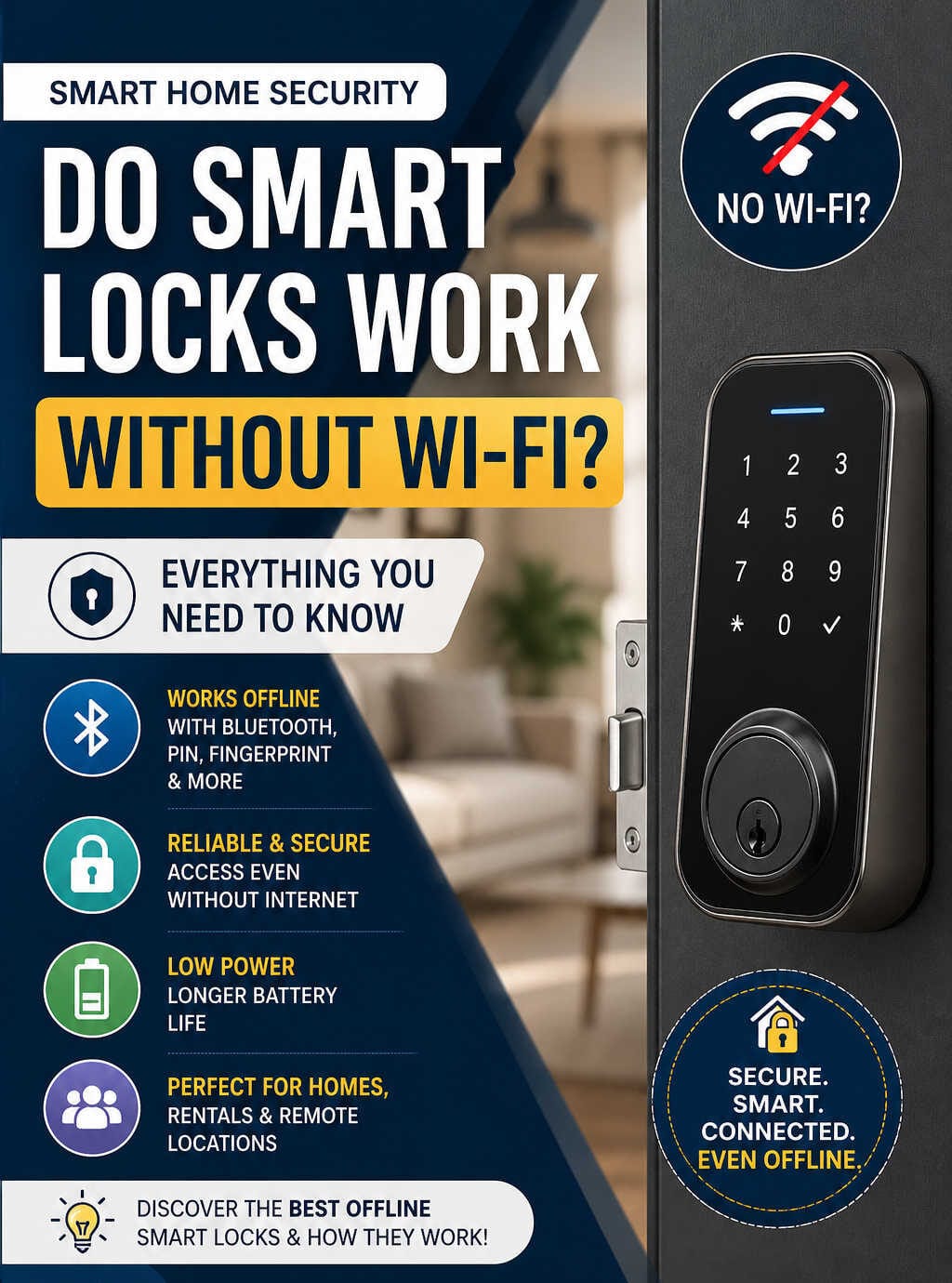
Smart locks have quickly become a core part of modern home security. They replace traditional keys with digital access methods, offering convenience, control, and flexibility. But one question continues to come up for homeowners and renters alike:
Do smart locks work without Wi-Fi?
The short answer is yes — but the full explanation is more nuanced and important if you’re considering buying one. This comprehensive guide breaks down exactly how smart locks function without Wi-Fi, what features you gain or lose, and how to choose the right model for your needs.
Understanding How Smart Locks Work
Before diving into Wi-Fi dependency, it’s useful to understand how smart locks operate in general.
A smart lock is an electronic locking system that allows you to lock and unlock your door without a physical key. Instead, it uses digital authentication methods such as:
- Smartphone apps
- PIN codes
- Fingerprints
- Bluetooth signals
- RFID cards or key fobs
Unlike traditional locks, smart locks rely on internal hardware and software to manage access. Many also connect to the internet for remote features — but importantly, that connection is often optional.
Do Smart Locks Need Wi-Fi to Function?
No, smart locks do not require Wi-Fi for their core functionality.
Most smart locks are designed to work independently of the internet. This means you can still lock and unlock your door even if your Wi-Fi is down or unavailable.
However, Wi-Fi enables additional features such as remote control and real-time notifications. Without it, your smart lock becomes more of a local-access device rather than a fully connected smart home component.
How Smart Locks Work Without Wi-Fi
Even without internet access, smart locks remain highly functional. They rely on alternative communication technologies and local storage systems.
Bluetooth Connectivity
Bluetooth is the most common method used by smart locks when Wi-Fi is not available.
It allows your smartphone to communicate directly with the lock when you are nearby. Once connected, you can unlock or lock the door through an app.
Key benefits of Bluetooth:
- Works without internet
- Fast and energy-efficient
- Secure short-range communication
Limitations:
- Requires proximity (usually within 10–15 meters)
- No remote access
Bluetooth-based operation is perfect for everyday use when you’re physically near your door.
Keypad Entry (PIN Codes)
Many smart locks include a keypad that allows you to enter a PIN code to unlock the door.
This method works entirely offline because the lock stores access codes internally.
Why this matters:
- No phone required
- Ideal for families or guests
- Reliable even during internet outages
You can assign unique codes to different users and update them directly on the device or via Bluetooth.
Biometric Access (Fingerprint)
Some advanced smart locks come with fingerprint scanners.
These systems store biometric data locally within the device, allowing instant authentication without any internet connection.
Advantages:
- Fast and convenient
- High level of security
- No need to remember codes or carry devices
RFID and NFC Access
RFID cards and NFC-enabled devices provide another offline access method.
You simply tap a card, key fob, or compatible smartphone against the lock to gain entry.
This is commonly used in hotels and office buildings but is also available in residential smart locks.
Smart Home Protocols (Z-Wave and Zigbee)
Some smart locks connect through protocols like Z-Wave or Zigbee instead of Wi-Fi.
These require a central hub but do not depend on a traditional internet connection for local operation.
Key characteristics:
- Stable and low-power communication
- Works within a smart home ecosystem
- Can function offline within the local network
What Features Work Without Wi-Fi?
Even without Wi-Fi, smart locks retain their most essential capabilities.
Available Offline Features
- Locking and unlocking the door
- Access via PIN codes
- Fingerprint recognition
- Bluetooth control
- Stored user permissions
These features are handled locally by the device, ensuring consistent performance regardless of internet connectivity.
What You Lose Without Wi-Fi
While core functions remain intact, certain advanced features require an internet connection.
Features That Require Wi-Fi
- Remote locking and unlocking from anywhere
- Real-time alerts and notifications
- Integration with voice assistants
- Cloud-based access logs
- Remote user management
- Automation and geofencing
Without Wi-Fi, your smart lock becomes more manual and localized.
Advantages of Smart Locks Without Wi-Fi
Choosing a smart lock that works without Wi-Fi offers several practical benefits.
Greater Reliability
Internet connections can be unpredictable. By removing dependency on Wi-Fi, you eliminate a major point of failure.
Your lock will continue working even during:
- Internet outages
- Router failures
- Network disruptions
Enhanced Privacy
Offline smart locks store data locally instead of sending it to the cloud.
This reduces exposure to:
- Data breaches
- Unauthorized remote access
- Third-party tracking
For privacy-conscious users, this is a significant advantage.
Longer Battery Life
Wi-Fi consumes more power than Bluetooth or local processing.
Smart locks without constant Wi-Fi usage tend to:
- Last longer on a single battery
- Require less frequent maintenance
Easier Setup
Without Wi-Fi configuration, installation is typically simpler.
You don’t need to:
- Connect to a network
- Enter passwords
- Troubleshoot connectivity issues
This makes offline-capable locks more user-friendly.
Disadvantages of Not Using Wi-Fi
While there are benefits, there are also trade-offs.
No Remote Access
You cannot unlock your door from a different location.
This can be inconvenient if:
- A guest arrives early
- A delivery needs access
- You forget to lock the door
Limited Smart Home Integration
Without Wi-Fi, integration with other smart devices is restricted.
For example:
- Voice commands won’t work
- Automated routines are limited
Delayed Updates
Changes to user access or settings may not sync instantly without internet connectivity.
Best Smart Locks That Work Without Wi-Fi
If you’re looking for reliable smart locks that don’t depend on Wi-Fi, here are some strong options worth considering:
August Smart Lock (Bluetooth Model)
- Uses Bluetooth for local control
- Optional Wi-Fi bridge for remote access
- Easy installation over existing deadbolts
A great choice for users who want flexibility between offline and online modes.
Yale Assure Lock SL
- Keypad-based entry system
- Works without Wi-Fi
- Optional modules for smart home integration
Ideal for those who prefer PIN access without relying on a smartphone.
Ultraloq U-Bolt Pro
- Multiple access methods (fingerprint, PIN, Bluetooth)
- Works offline seamlessly
- Durable and feature-rich
Perfect for users who want versatility without needing internet connectivity.
Schlage Encode (Offline Mode Capable)
- Primarily Wi-Fi-based but retains keypad functionality offline
- Strong build quality
- Trusted brand reputation
Nuki Smart Lock (Bluetooth Focus)
- Designed for European-style doors
- Operates via Bluetooth
- Optional Wi-Fi bridge
Are Offline Smart Locks Secure?
Security is one of the biggest concerns when choosing a smart lock.
The good news: offline smart locks can be extremely secure.
Why They’re Safe
- No internet connection reduces hacking risk
- Data is stored locally
- Encryption is used for Bluetooth communication
However, physical security still matters. A strong deadbolt and proper installation are essential regardless of connectivity.
What Happens During Power or Battery Failure?
Most smart locks are battery-powered.
In case of low or dead batteries:
- You’ll receive warnings in advance
- Many locks include backup options such as:
- Physical keys
- External battery terminals
This ensures you’re not locked out unexpectedly.
Who Should Choose a Smart Lock Without Wi-Fi?
Offline-capable smart locks are not just a backup option — they are often the better choice for specific users.
Ideal For:
- Homes with unstable internet
- Privacy-focused individuals
- Rental properties
- Vacation homes
- Families with children or elderly members
Hybrid Smart Locks: The Best of Both Worlds
Many modern smart locks offer hybrid functionality.
They work offline by default but can connect to Wi-Fi when needed via an add-on module or bridge.
This gives you:
- Local reliability
- Optional remote access
If you’re unsure, a hybrid lock is often the safest investment.
Tips for Choosing the Right Smart Lock
When selecting a smart lock, consider the following:
1. Access Methods
Choose a lock with multiple options like PIN, fingerprint, and Bluetooth.
2. Battery Life
Look for models known for efficiency and long-lasting power.
3. Installation Type
Ensure compatibility with your door and existing hardware.
4. Security Features
Check for encryption and tamper alerts.
5. Expandability
Decide if you may want Wi-Fi features later.
Frequently Asked Questions (FAQs)
Do smart locks stop working if Wi-Fi goes down?
No. Most smart locks continue to function normally for local access even if Wi-Fi is unavailable.
Can I unlock my smart lock without my phone?
Yes. Many smart locks offer alternative methods such as PIN codes, fingerprints, or key fobs.
Are smart locks safer than traditional locks?
They can be, especially when combined with strong physical hardware and proper configuration.
Do I need internet to install a smart lock?
No. Installation is typically independent of internet connectivity, especially for Bluetooth or keypad models.
Can I upgrade a non-Wi-Fi smart lock later?
Yes. Many models allow you to add a Wi-Fi bridge or module for remote access later.
Final Thoughts
Smart locks do not need Wi-Fi to work — and in many cases, they function perfectly well without it.
If your priority is reliability, privacy, and simplicity, a smart lock that operates offline is a solid choice. On the other hand, if you want full control from anywhere in the world, Wi-Fi connectivity becomes essential.
Ultimately, the best smart lock is one that fits your lifestyle. Whether you choose a fully offline system or a hybrid model, you’ll still benefit from the convenience and security that smart locks bring to modern living.