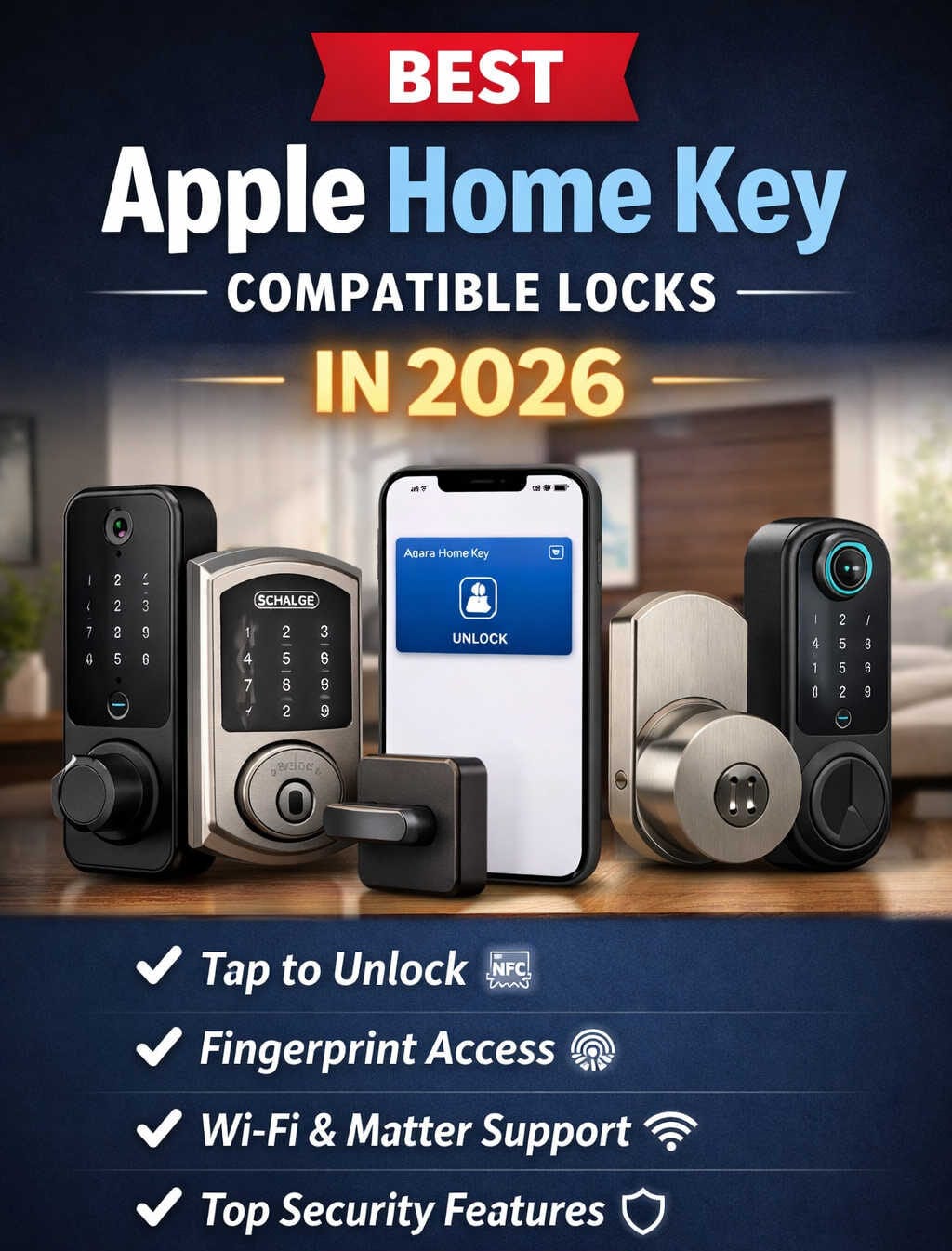
There’s a specific kind of smart home purchase that sounds gimmicky until you actually use it, and Apple Home Key is one of them. The idea of tapping your phone against your front door instead of digging for keys felt like a keynote gimmick for a couple of years. In 2026, it’s not. The hardware has caught up, more lock brands have signed on, and the experience of walking up to your door and having it recognize your iPhone or Apple Watch has quietly become one of the more satisfying smart home upgrades you can make.
The tricky part is buying the right lock. Not every “HomeKit compatible” lock actually supports Home Key, and the marketing language on most product pages doesn’t make that distinction obvious. This guide breaks down what Home Key is, which locks genuinely deliver on it in 2026, and how to figure out whether upgrading is worth it for your specific front door.
What Is Apple Home Key, Exactly?
Home Key is essentially a digital house key that lives inside Apple Wallet, the same place your boarding passes and credit cards sit. Instead of unlocking through an app or typing a code on a keypad, you hold your iPhone or Apple Watch up to the lock’s NFC reader and the door opens. It works the same way tap-to-pay does at a checkout counter, and once you’ve used it a few times, going back to a physical key feels like a step backward.
Most Home Key locks give you two modes to choose from. Express Mode unlocks the moment you tap, with no authentication required, which is the mode most people end up using day to day. The more cautious option requires Face ID or Touch ID before the lock releases, which is worth considering if you’re worried about someone unlocking your phone and walking up to your door.
Home Key vs. HomeKit: Why the Difference Matters
This is where a lot of buyers get tripped up. Every lock that supports Home Key is also HomeKit compatible, but plenty of HomeKit locks don’t support Home Key at all. HomeKit itself only needs a Bluetooth or Wi-Fi connection to work with Siri and the Home app. Home Key requires something extra: a dedicated NFC chip built specifically to Apple’s security spec.
So when you’re comparing locks, don’t stop at “Works with Apple HomeKit” on the box. Look for the words “Apple Home Key” explicitly listed in the features. If it’s not there, tap-to-unlock isn’t happening, no matter how well the lock otherwise integrates with your Home app.
One more detail worth knowing: Home Key doesn’t rely on your phone being charged. Apple sets aside a small reserve of power specifically so NFC features like Home Key keep working for a while even after your battery hits zero. What does need power is the rest of your Apple Home setup — automations and remote access still depend on a Home Hub, such as an Apple TV or HomePod, staying connected to your Wi-Fi.
The Best Apple Home Key Smart Locks in 2026
Here’s where things actually get useful. These are the locks worth your attention this year, organized by what kind of household they suit best rather than a single “top pick” that ignores your budget, your door, or your patience for installation.
Schlage Encode Plus — Best All-Around Choice
If you want one lock that just works without babysitting it, this is the one most people should look at first. It’s a full deadbolt replacement with Wi-Fi built directly into the lock, so you don’t need a separate hub sitting on a shelf just to get remote access and push notifications. The tap-to-unlock response is quick and consistent, and the keypad holds up well even with wet hands or gloves on, which matters more than it sounds like it would once winter hits.
What makes the Encode Plus stand out isn’t a single headline feature — it’s that Schlage has been shipping Home Key locks longer than almost anyone else, and the firmware has had time to mature. Siri routines, HomeKit Secure Video setups, and everyday reliability all feel dialed in rather than experimental.
Level Lock+ — Best for Homes Where Looks Matter
Level has built its whole identity around making smart locks look like they aren’t smart locks at all. The mechanism sits almost entirely inside the door, so from the street it looks like a normal, well-made deadbolt rather than a piece of tech bolted onto your entryway. If you’ve ever hesitated on a smart lock because the exterior hardware looked clunky, this is the answer.
The setup process asks for a little more patience than some competitors, and you’ll pay a premium for that restraint, but if your front door is part of your home’s overall design and you don’t want a visible keypad screaming “smart home” at visitors, nothing else on this list comes close.
Aqara U-Series (U50, U100, U200) — Best Value for the Money
Aqara has become the go-to brand for anyone who wants Home Key without paying a premium brand tax. The entry-level U50 keeps things simple — voice command, passcode, key card, or NFC tap — and can even be re-keyed to accept a standard five-pin key, which is a rare feature at this price. The trade-off is no fingerprint sensor.
Move up to the U100 or U200 and you pick up biometric unlock, a rechargeable battery with a USB-C emergency charging port for when you forget to charge it, and Matter-over-Thread support, which extends compatibility beyond Apple to Google Home, Amazon Alexa, and SmartThings. The U200 in particular is a retrofit lock that fits over many existing deadbolts without drilling, making it a sensible middle ground for anyone who wants more capability than an entry-level lock but isn’t ready to replace their whole door hardware. Aqara’s higher-end U300 (a full lever-style replacement) and newer U400 (with Ultra Wideband support) push further into premium territory for buyers who want the most current tech available.
Yale Assure Lock 2 Touch — Best Touchscreen Experience
Yale’s Assure Lock 2 Touch pairs a clean touchscreen keypad with a built-in Home Key NFC reader, and it comes in both key-free and traditionally keyed versions depending on how fully you want to commit to going keyless. It’s a complete deadbolt replacement, so installation takes more effort than a retrofit option, but the payoff is a lock that feels genuinely premium and performs consistently within the Apple Home ecosystem.
Should You Replace Your Current Smart Lock?
Not everyone reading this needs to buy a new lock right now, and it’s worth being honest about that. Here’s a more useful way to think about it than “newer is always better.”
You should seriously consider upgrading if:
- Your current lock has no NFC hardware at all, meaning tap-to-unlock will never be possible no matter how many firmware updates roll out
- You’re relying on a battery-only lock that’s shown signs of aging, like slow response times, frequent low-battery alerts, or unreliable Bluetooth pairing
- Your household has fully committed to the Apple ecosystem and you’re still unlocking your door with a physical key or a clunky third-party app
- You want to consolidate multiple smart home platforms, and a Matter-compatible lock like the Aqara U-series would let you drop redundant hubs or apps
You can probably hold off if:
- Your existing HomeKit lock (Bluetooth or Wi-Fi only) is working reliably and you don’t mind unlocking through the Home app or Siri instead of an NFC tap
- You’re renting and unsure how long you’ll be in your current home, since a full deadbolt replacement isn’t always practical or reversible
- Your main frustration is app reliability rather than hardware limitations — sometimes a firmware update solves the problem for free
If you do decide to upgrade, match the replacement type to your actual willingness to do work on your door. Retrofit locks like the Aqara U200 are the least disruptive option since they sit over your existing deadbolt. Full replacements like the Encode Plus, Level Lock+, or Yale Assure Lock 2 Touch require more installation effort but tend to offer tighter integration and a cleaner finished look.
What’s Changing in Home Key Technology Right Now
The most interesting development in 2026 isn’t a new brand jumping into the category — it’s a new layer of technology sitting on top of the NFC tap that’s defined Home Key since it launched. Locks like the Aqara U400 and the Level Lock Pro have started adding Ultra Wideband support, which lets the lock detect your phone’s precise location as you walk up rather than waiting for a deliberate tap against the reader. Combined with Apple’s newer Home hub hardware, this is a real step toward doors that recognize you’re approaching and unlock automatically, no tap required.
That said, none of this changes the fundamentals of what to look for today. Confirm “Apple Home Key” is explicitly listed on the spec sheet, check whether the lock needs a proprietary hub for full functionality, and choose an installation type — retrofit or full replacement — that actually matches what you’re willing to do to your front door.
Frequently Asked Questions
Does Apple Home Key work on Android phones? No. Home Key is built entirely around Apple Wallet, so it only works with iPhone and Apple Watch. Android users will need to rely on the lock’s app, keypad, or another unlocking method instead.
Do I need a Home Hub for Home Key to function? Not for basic tap-to-unlock at the door — that works locally over NFC without any hub involved. A Home Hub, like an Apple TV 4K or HomePod, is only necessary for remote access and automations, such as locking every door in the house at sunset.
Can I install a Home Key lock without replacing my entire deadbolt? Yes. Retrofit-style locks, including the Aqara U200, install over your existing hardware, which makes them a good fit for renters or anyone who’d rather avoid replacing the whole lock body.
Is it worth upgrading if my current smart lock already works fine? Not necessarily. If your existing lock is reliable and you don’t mind unlocking through an app or Siri instead of a tap, there’s no urgent reason to replace it. Upgrading makes the most sense when your current hardware has a real limitation — no NFC support, aging battery performance, or a lock that’s no longer compatible with the rest of your smart home setup.