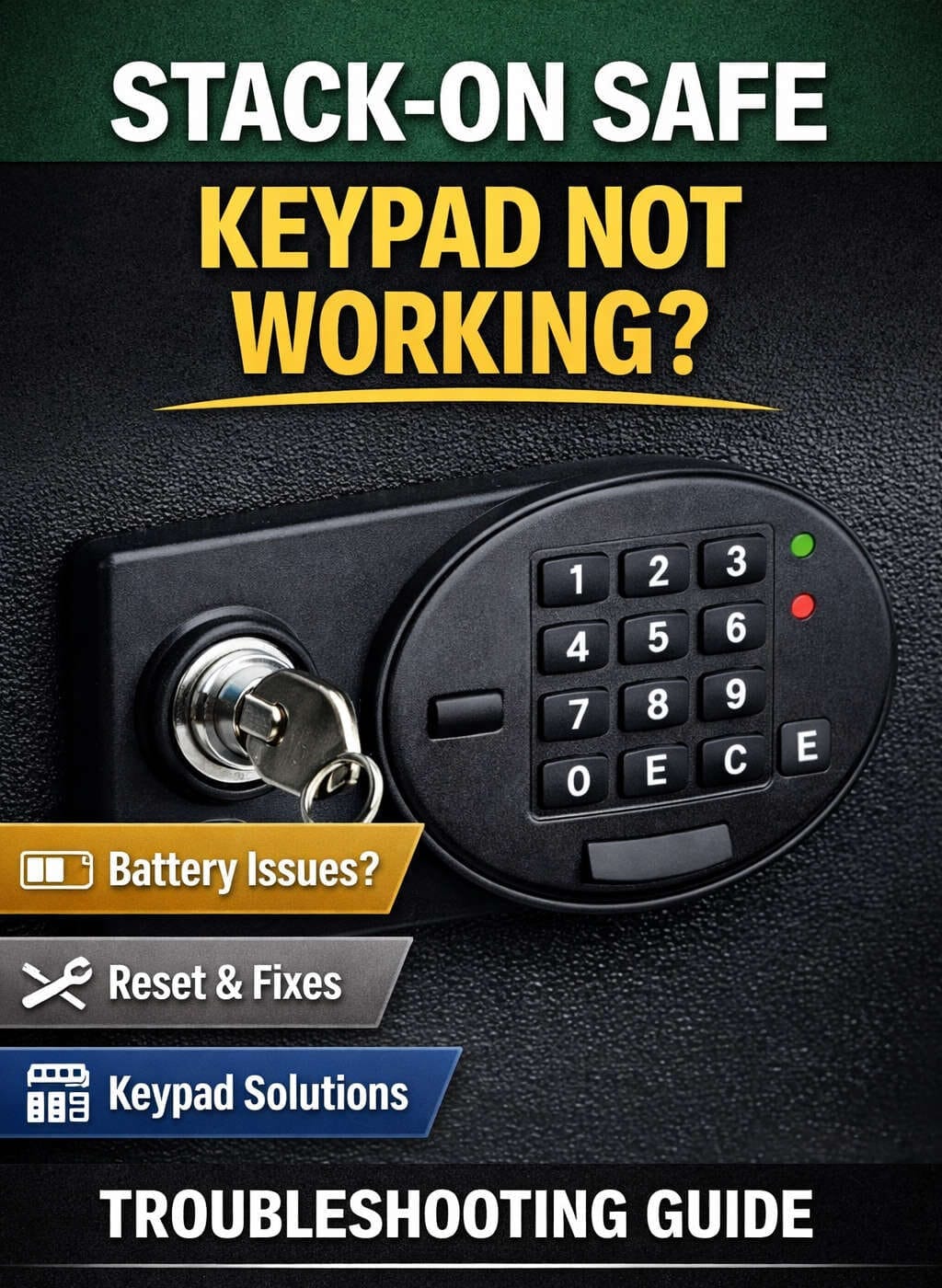
A Stack-On safe is designed to give you peace of mind. Whether it protects firearms, documents, jewelry, or other valuables, you expect it to work reliably every time. That is why it can be frustrating—and sometimes alarming—when the keypad suddenly stops working. A non-responsive keypad can leave you locked out, unsure whether the issue is minor or something more serious.
The good news is that most Stack-On safe keypad problems are fixable without replacing the entire safe. Many issues stem from power loss, minor internal faults, or normal wear over time. With the right approach, you can often restore functionality quickly and safely.
This in-depth guide explains why a Stack-On safe keypad stops working, how to diagnose the problem step by step, and what to do if the issue requires repair or replacement. It is written for everyday users, not technicians, and focuses on clarity, practicality, and prevention.
Understanding How a Stack-On Safe Keypad Works
Before attempting any troubleshooting, it helps to understand the basics of how the keypad system functions.
A Stack-On electronic safe typically uses a digital keypad connected to an internal control board. When you press the correct sequence of numbers, the keypad sends an electronic signal to a locking mechanism—usually a solenoid or motor—that disengages the bolts and allows the door to open.
The system relies on several components working together:
- A battery power source
- A keypad membrane or button panel
- Internal wiring or ribbon cables
- A control board
- A locking motor or solenoid
If any one of these elements fails or loses communication, the keypad may stop responding or fail to unlock the safe.
Common Signs That a Stack-On Safe Keypad Is Not Working
Keypad problems rarely appear without warning. Most users notice one or more of the following symptoms:
- The keypad does not light up or beep
- Buttons do not respond when pressed
- The keypad lights up but the safe does not open
- Some buttons work while others do not
- Random beeping or flashing lights
- The keypad locks you out after entering the correct code
Each symptom points toward a different potential cause, which is why systematic troubleshooting is important.
Start Here: Battery Issues Are the Most Common Cause
Why Battery Problems Cause Keypad Failure
In the majority of cases, a Stack-On safe keypad stops working because the batteries are weak or dead. Even if the keypad lights up or beeps, low battery voltage may prevent the lock from fully disengaging.
Electronic safes are sensitive to voltage drops. Batteries that appear “mostly charged” may still fail under load.
How to Replace the Batteries Correctly
- Locate the battery compartment, which is usually on the inside of the safe door or behind the keypad housing.
- Remove all old batteries.
- Insert fresh, high-quality alkaline batteries.
- Ensure correct polarity (+ and – alignment).
- Close the battery compartment securely.
- Wait a few seconds, then enter your code slowly and deliberately.
Battery Best Practices
- Use new batteries from a trusted brand
- Avoid mixing old and new batteries
- Do not use rechargeable batteries unless specified
- Replace batteries once a year as preventive maintenance
Many keypad issues are resolved at this stage alone.
Keypad Buttons Not Responding Properly
Wear and Tear Over Time
Stack-On keypads are designed for regular use, but repeated pressing over months or years can wear down the internal contacts beneath the buttons. Dirt, oils from fingers, and dust can also interfere with proper contact.
Signs of Button Failure
- Some numbers register while others do not
- Buttons feel loose, stiff, or sunken
- You must press harder than usual
Cleaning the Keypad Safely
- Remove the batteries to cut power.
- Use a soft, dry brush to remove surface dust.
- Blow compressed air around button edges.
- Wipe gently with a dry microfiber cloth.
Avoid liquids, sprays, or harsh cleaners. Moisture is a common cause of electronic damage.
Safe Opens Sometimes but Not Always
Intermittent keypad issues are often more confusing than complete failure. These usually point to internal wiring problems rather than power loss.
Loose or Damaged Internal Connections
Inside the safe door, the keypad is connected to the control board by a cable. Over time, vibrations, door movement, or minor manufacturing tolerances can cause the connector to loosen.
If the connection is unstable:
- The keypad may work inconsistently
- The safe may open only after repeated attempts
What You Can Do
If you can access the interior of the safe:
- Carefully inspect the keypad wiring
- Ensure connectors are firmly seated
- Look for pinched or frayed cables
If the safe is still under warranty, do not open sealed compartments—contact support instead.
Keypad Lights Up but Safe Will Not Open
This situation often leads users to assume the keypad is broken, but the problem may actually be the locking mechanism.
Possible Causes
- Weak batteries that cannot power the motor
- Jammed locking bolts
- Failing solenoid or motor
What to Try
- Replace batteries again with brand-new ones
- Enter the code slowly and evenly
- Apply gentle pressure to the door while entering the code
Sometimes the internal lock requires slightly more power than the keypad itself, and fresh batteries solve the issue immediately.
Keypad Beeping or Flashing Unexpectedly
Security Lockout Mode
Many Stack-On safes include a lockout feature that temporarily disables the keypad after multiple incorrect code entries. During this time, the keypad may beep, flash, or ignore all input.
How to Exit Lockout Mode
- Stop pressing buttons
- Wait the required time (often 5–15 minutes)
- Do not remove batteries during lockout unless instructed
Trying to force input during lockout may extend the waiting period.
Forgotten Code vs. Keypad Failure
It is surprisingly common for keypad issues to actually be code-related rather than mechanical.
Common Code Mistakes
- Confusing similar numbers
- Entering the code too quickly
- Forgetting a recently changed code
If you recently updated the code and the safe no longer opens, review the reset process carefully. Some safes require a confirmation step that users accidentally skip.
Using the Mechanical Override Key
Most Stack-On electronic safes include a mechanical override key for emergencies. This feature exists specifically for keypad failure scenarios.
How to Use the Override Key
- Locate the key slot, usually hidden behind a small cover.
- Insert the override key fully.
- Turn the key slowly until the lock disengages.
- Open the door and address the keypad issue from inside.
If you do not know where your override key is, locate it as soon as possible once access is restored.
Resetting a Stack-On Safe Keypad
When a Reset Is Necessary
A reset may help if:
- The keypad behaves erratically
- The safe stopped responding after battery replacement
- You suspect a software glitch
General Reset Approach
Although reset steps vary by model, a common approach includes:
- Open the safe using the override key.
- Remove the batteries.
- Wait several minutes to discharge residual power.
- Reinstall batteries.
- Enter the reset sequence according to your model instructions.
Always follow model-specific instructions to avoid losing access permanently.
Internal Circuit Board Problems
Causes of Circuit Board Failure
- Moisture exposure
- High humidity environments
- Battery leakage
- Age-related component degradation
Circuit board issues are less common but more serious.
Warning Signs
- Visible corrosion
- Burn marks
- Strong battery odor
- Random keypad behavior
In these cases, replacing the keypad or control board is usually the best solution.
When Replacement Is the Best Option
Sometimes repair is not cost-effective or practical.
Parts That May Need Replacement
- Keypad assembly
- Control board
- Wiring harness
- Locking motor
Replacing only the faulty component is usually far cheaper than replacing the entire safe.
When to Seek Professional Help
You should consider professional assistance if:
- The safe is locked and override access fails
- Internal electronics are visibly damaged
- You are uncomfortable disassembling components
- The safe is under warranty
A qualified locksmith familiar with electronic safes can diagnose issues without damaging the safe.
Preventing Future Keypad Problems
Regular Maintenance Tips
- Replace batteries annually
- Test the keypad monthly
- Keep the safe in a dry environment
- Avoid slamming the door
- Store the override key securely
Preventive care significantly extends keypad life.
Choosing the Right Environment for Your Safe
Environmental factors play a major role in electronic failure.
Ideal Conditions
- Low humidity
- Stable temperature
- Good ventilation
Avoid placing safes in damp basements or garages without climate control.
Frequently Asked Questions About Stack-On Safe Keypads
Can a keypad stop working suddenly?
Yes. Battery failure or internal disconnection can occur without warning.
Will removing batteries erase my code?
In most models, no. Codes are stored in non-volatile memory.
How long do keypads last?
With proper care, many last 5–10 years or longer.
Final Thoughts
A Stack-On safe keypad not working can feel like a major problem, but in most cases, the solution is straightforward. Starting with basic checks—especially battery replacement—resolves a large percentage of issues. More complex problems, such as wiring or circuit board failure, are less common but still manageable with the right approach.
By understanding how your safe works, responding calmly, and following a structured troubleshooting process, you can restore access, protect your valuables, and extend the life of your safe. Regular maintenance and proper placement go a long way toward ensuring your keypad remains reliable for years to come.